Types of Alarm Events
Hyperview provides multiple alarm event source methods, such as reachability, SNMP traps, and sensor thresholds. This section outlines the differences between these methods, how they work, and what to expect from them.
Hyperview tracks the events and will attempt to close them if the underlying issue is resolved. This is not always possible. Users with appropriate access can acknowledge and close events if they do not autoclose.
AssetTracker Status
These alarm events track issues related to AssetTracker modules no longer sending heartbeat signals, new modules reporting to the data collector that are not associated with a rack, and new asset tags that are not associated with assets.
Data Collector Status
These alarm events track the communication status and software version status of the data collectors. They are tracked under the ALL location events.
Firmware Status
These alarm events are triggered for hardware supported by the firmware update feature. They are tracked on the asset that requires an update and are usually triggered after a discovery.
Host Unreachable
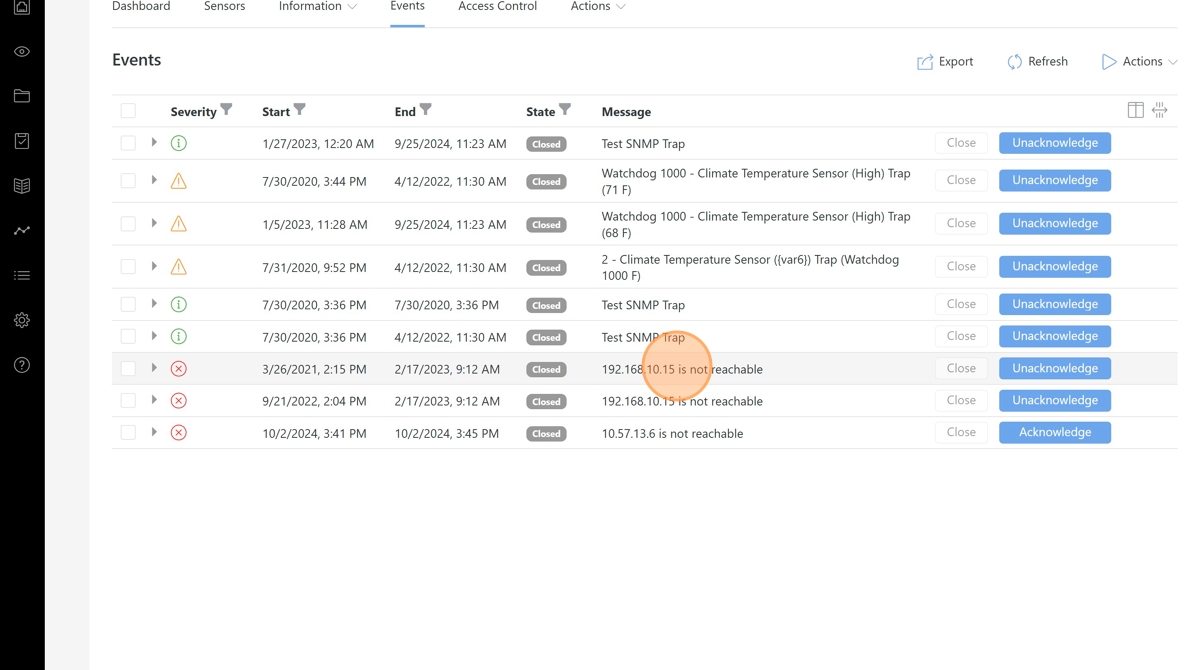
The Hyperview Data Collector periodically pings assets for reachability. If the asset does not respond in a timely manner, then a reachability event will be generated for the asset. Reachability events are of critical severity and will automatically close once the connection between the Data Collector and the asset is reestablished.
Note
Typical causes of the “not reachable” event are as follows:
Network security, such as firewalls, prohibits communication between the Data Collector and the assets.
The asset has been powered off.
The asset has been reconfigured with a different IP address, and the Data Collector is no longer able to reach its last known address.
Sensor Threshold
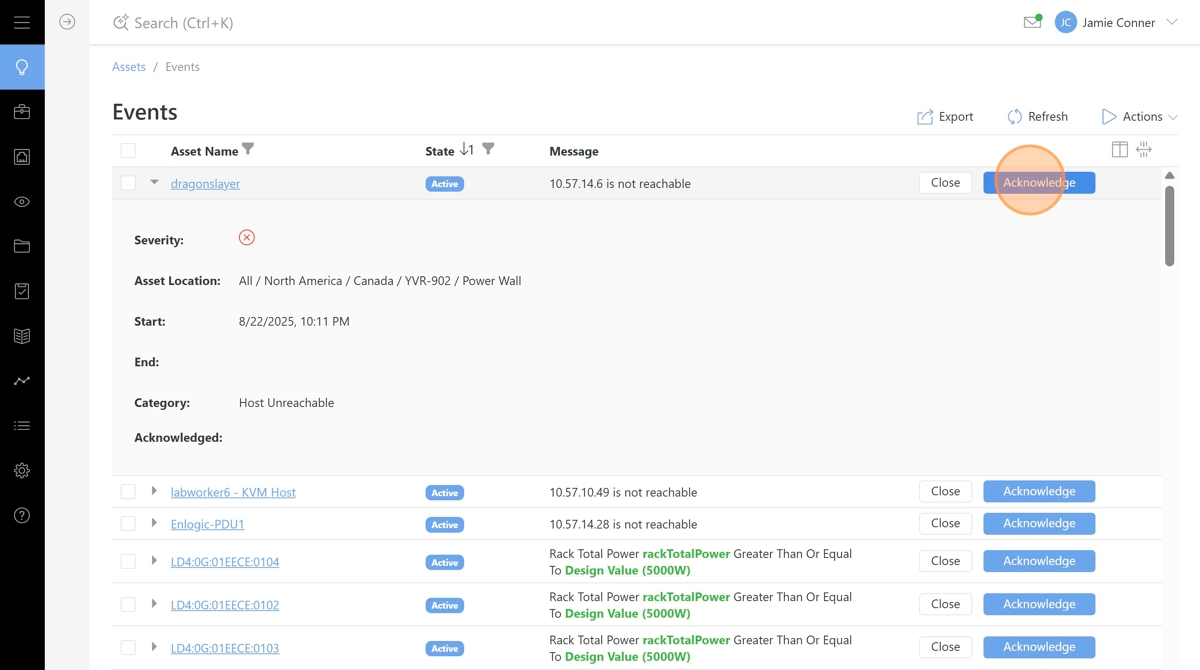
Hyperview can compare monitored and calculated sensor values from assets against a set threshold to generate alarm events. Sensor Threshold alarm events automatically manage their states, meaning they activate when the threshold is reached and close when resolved.
Note
See the Sensor Threshold Management documentation for detailed configuration options.
SNMP Trap
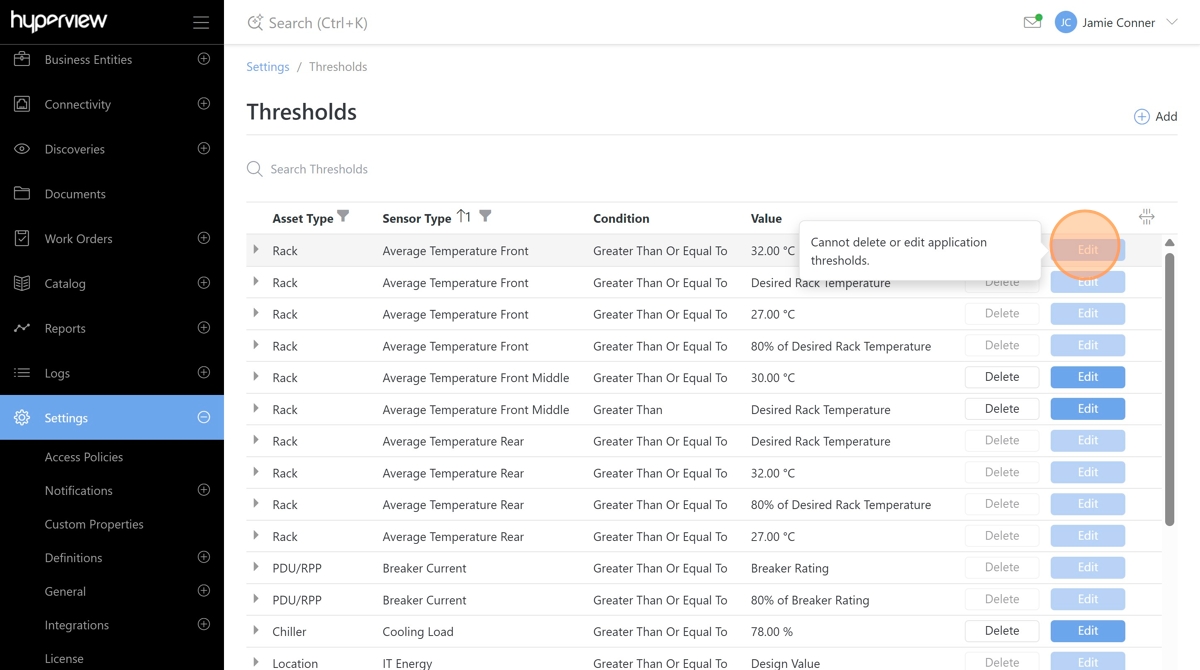
The Hyperview Data Collector includes an SNMP Trap Listener service that receives and translates SNMP traps from assets into their corresponding event pages in Hyperview.
To leverage SNMP Traps, the assets must be configured to send them to the Hyperview Data Collector. Typically, those configuration options can be set via the device’s web interface.
Look for an SNMP Trap configuration page and set the destination (sometimes referred to as host, recipient, or network management station) as the IP address of the Data Collector.
In most cases, SNMP Trap events will automatically handle their Active/Closed statuses, meaning they can close themselves with Clear traps.
Unknown Trap
Traps that cannot be interpreted are added as Unknown Traps. Please contact the Hyperview support team to add the appropriate mapping for these traps.